
Logo
ZMK
Bluetooth

Piantor Pro BT

Total: €149.90

Incl. 19% VAT.

Product Description

The classic, reimagined. Now wireless and future-proof.

The Piantor has long been a favorite among split keyboards – now, the Piantor Pro BT takes the experience to the next level. This premium keyboard combines the proven Piantor layout with cutting-edge wireless technology. Powered by the high-performance nRF52840 chip, the Piantor Pro BT offers Bluetooth connectivity, long battery life, full ZMK firmware support, and compatibility with all Choc v1 and Choc v2 switches. Additionally, nice!view displays provide intuitive feedback directly on the keyboard.

  • Ergonomic layout with optimized column stagger
  • Easy configuration with ZMK Studio
  • Support for nice!view displays
  • Compact Choc spacing with low-profile Kailh Choc v1 switches

Configure your keyboard

Choose the parts that should be assembled before shipping.
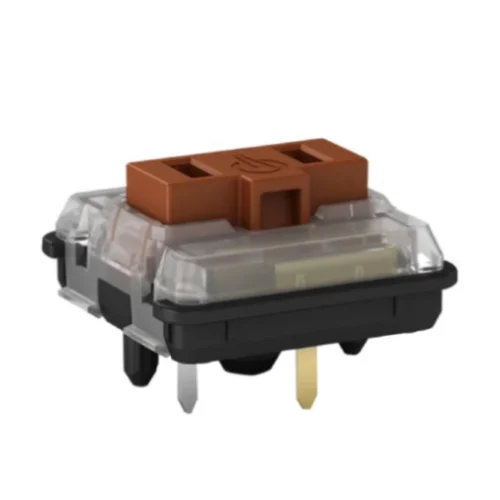
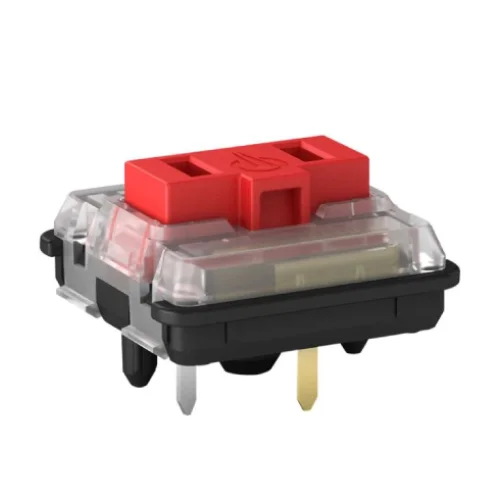
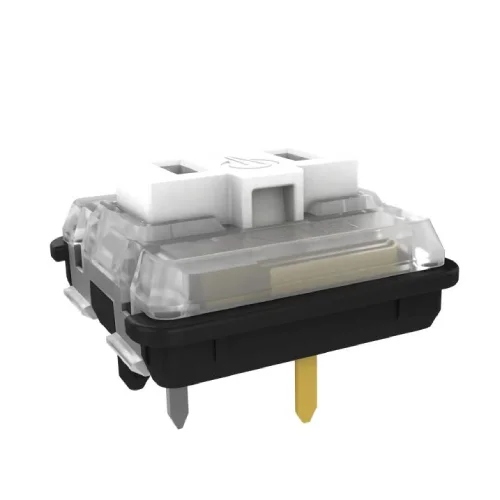
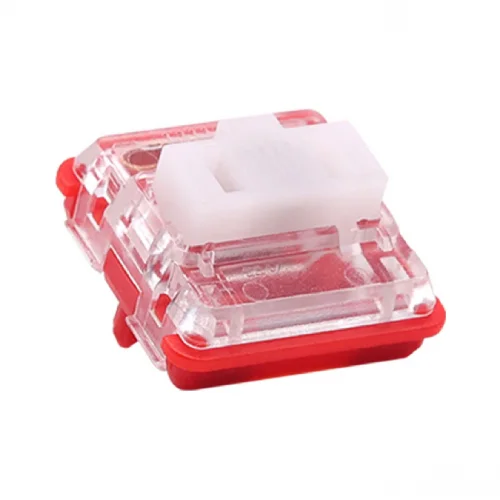
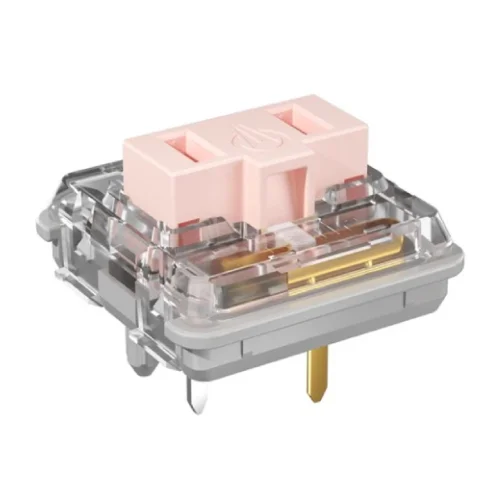
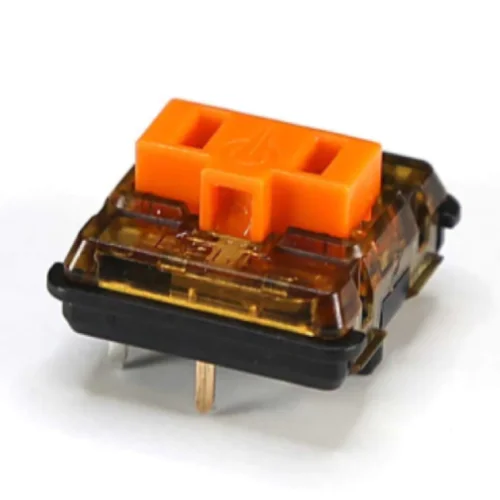
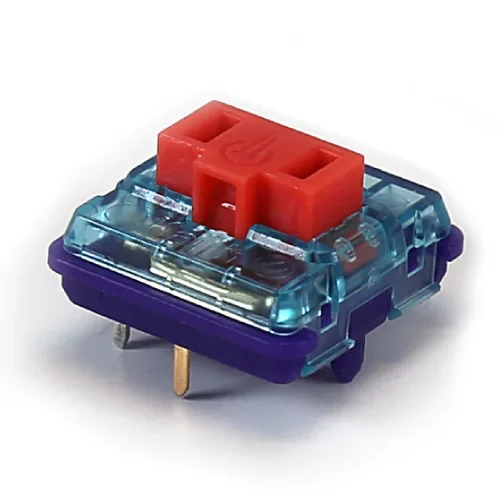
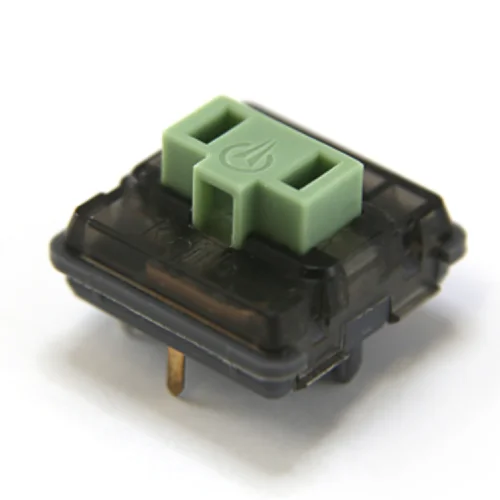
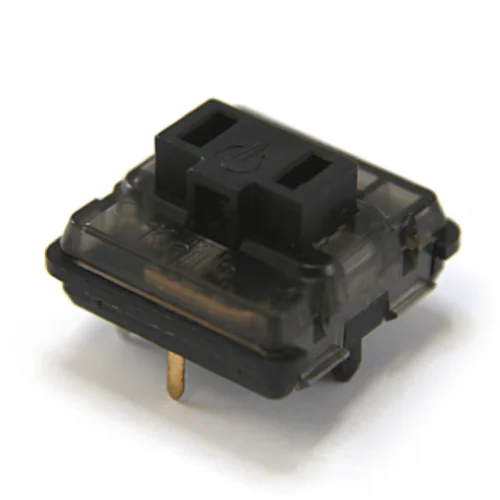
Low-profile Kailh Choc v1 switches. Actuation distance: 1.5±0.5 mm, Total travel: 3.0±0.5 mm, Lifespan: 50,000,000 cycles.

BrownBrownTactile, 50±10 gfRedRedLinear, 50±10 gfWhiteWhiteClicky, 50±10 gfRed ProRed ProLinear, 35±5 gf+ €5.00Pink ProPink ProLinear, 20±5 gf+ €5.00SunsetSunsetTactile, 40±10 gf • Perfect tactile feedback+ €13.00Bokeh Ambients SilentBokeh Ambients SilentLinear, 50±10 gf • Quiet and office-friendly+ €20.00Twilight Ambients SilentTwilight Ambients SilentLinear, 35±5 gf • Quiet and office-friendly+ €20.00Nocturnal Ambients SilentNocturnal Ambients SilentLinear, 20±5 gf • Quiet and very light (order only if you know what you're doing)+ €20.00No switchesI already have compatible switches- €19.90

The keyboard can be expanded with an additional column on both halves.

42 KeysSix columns per half36 KeysFive columns per half- €19.99

Integrated displays provide real-time information such as active layer, WPM counter, battery level (wireless only), custom animations, and more, enhancing both functionality and aesthetics.

No DisplayUses a switch plate without the display cutout, leaving a flat surfaceDual-MiP Display IntegrationPower-efficient Sharp LCD MiP displays (160×68, 30 FPS) – similar to nice!view, but seamlessly integrated into the switch plate+ €49.90

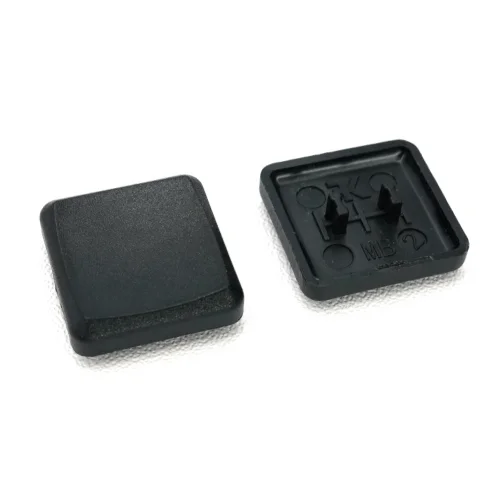
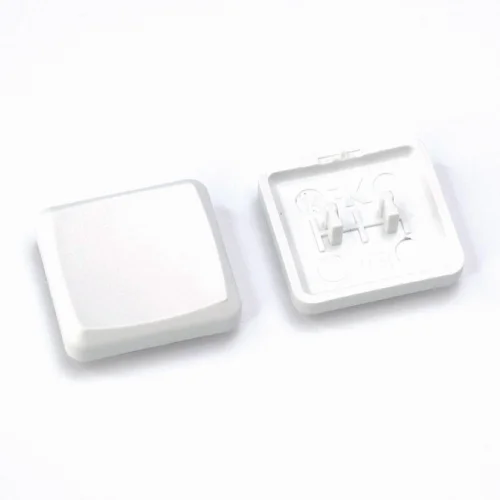
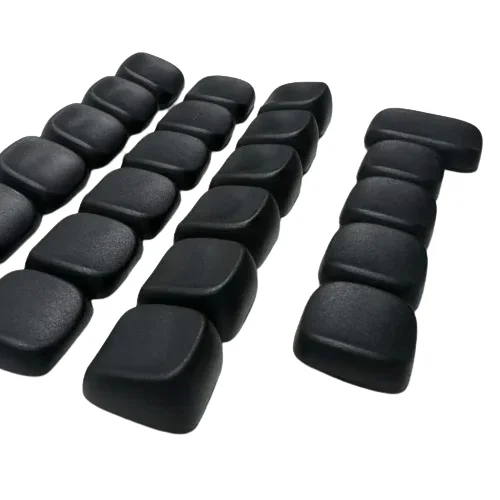
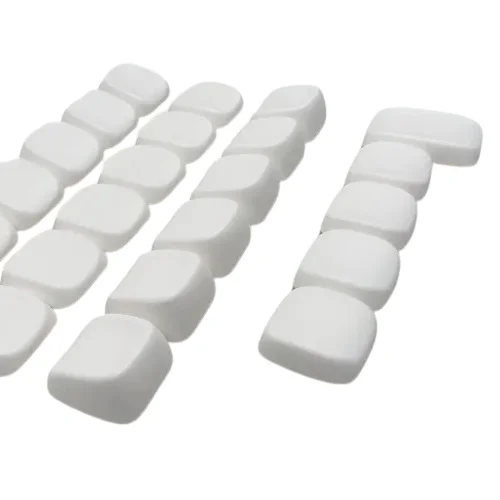
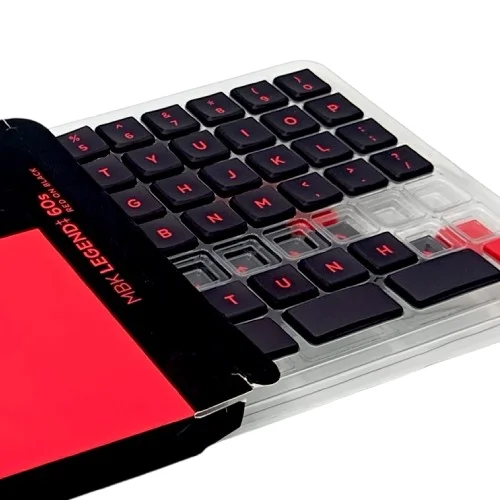
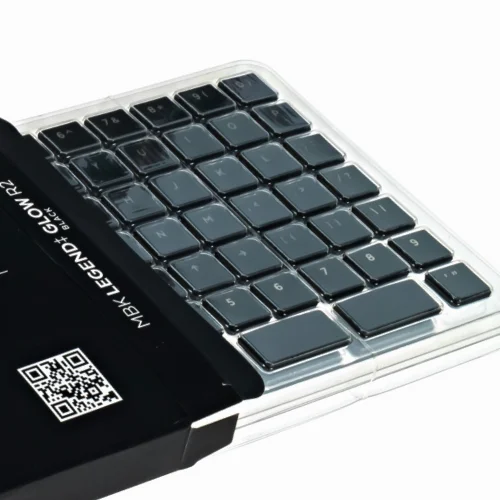
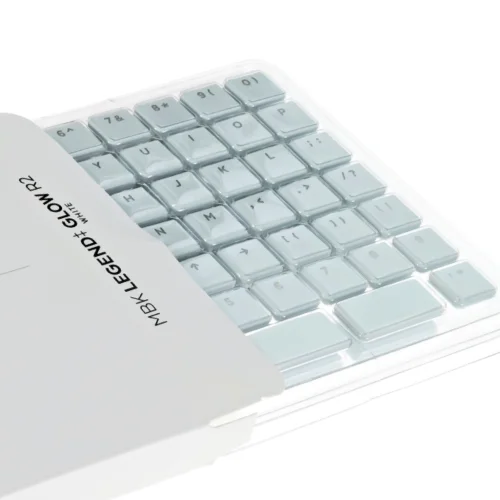
PBT keycaps with or without labeling. When selecting a set, the entire set is always shipped with all keycaps. Homing keycaps (for the "F" and "J" positions) are always included.

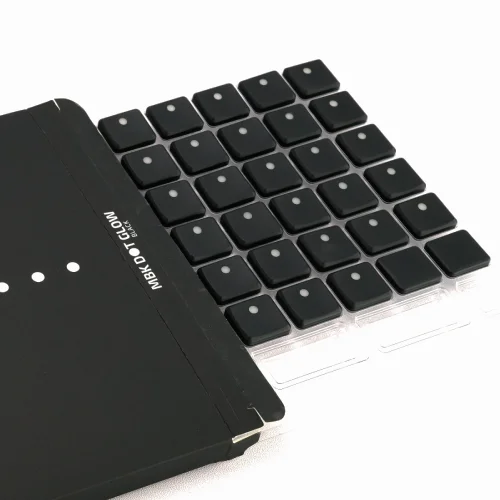
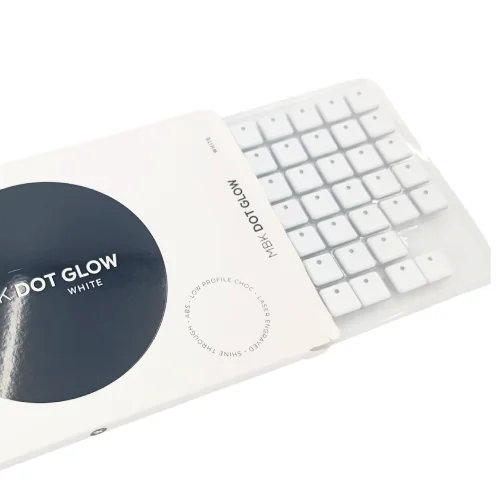
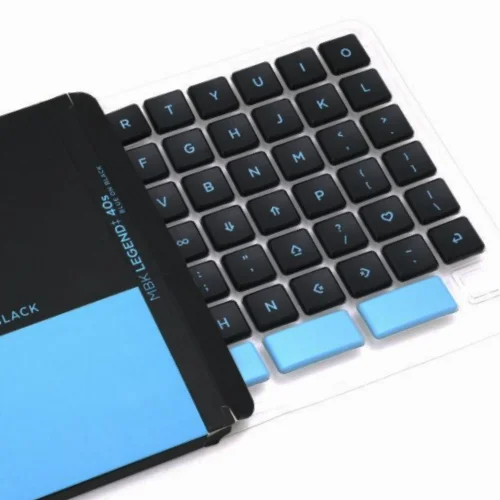
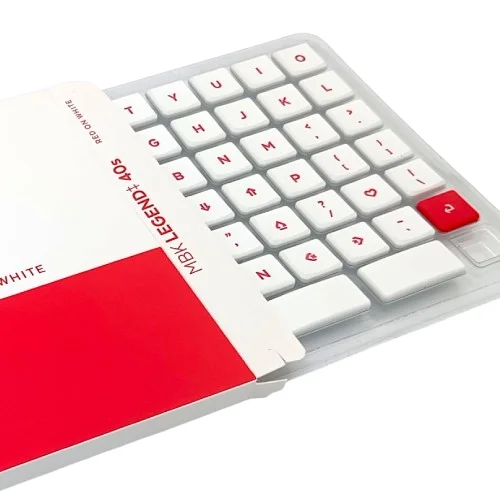
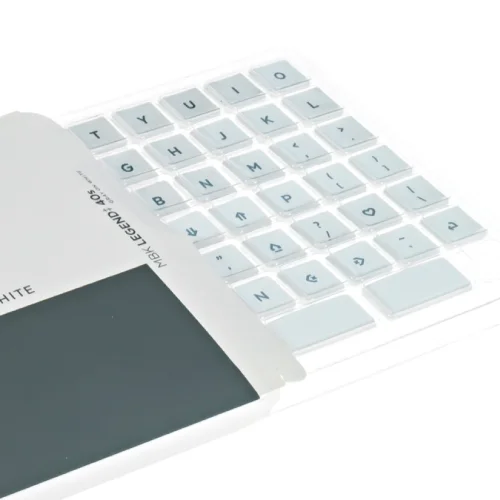
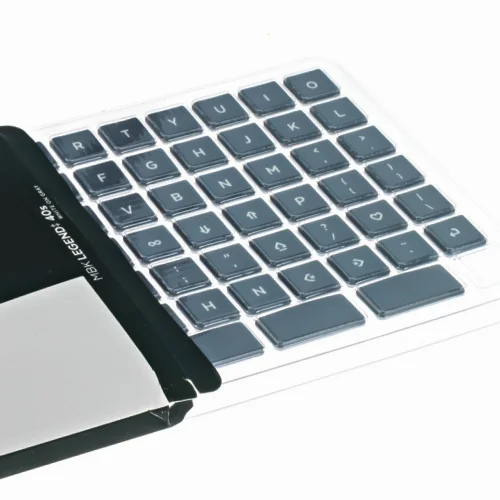
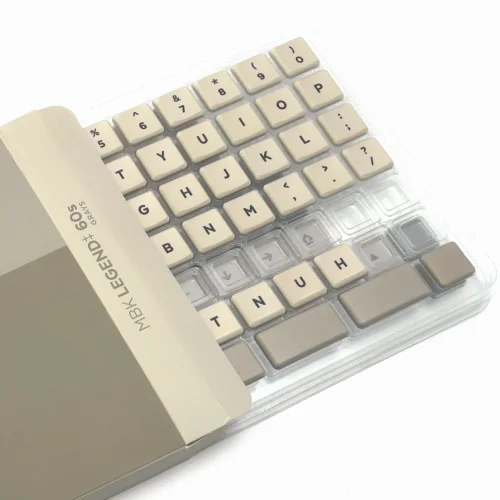
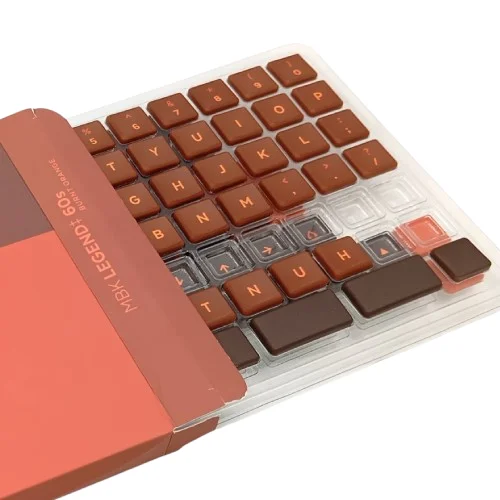
Black (blank), MBKBlack (blank), MBKFlat low-profile keycaps without legendsWhite (blank), MBKWhite (blank), MBKFlat low-profile keycaps without legendsBlack (blank), KLP LaméBlack (blank), KLP LaméSculpted and curved keycaps without legends+ €12.00White (blank), KLP LaméWhite (blank), KLP LaméSculpted and curved keycaps without legends+ €12.00Black (shine-through), MBK Dot GlowBlack (shine-through), MBK Dot GlowBlack keycaps with RGB shine-through dots+ €25.00White (shine-through), MBK Dot GlowWhite (shine-through), MBK Dot GlowWhite keycaps with RGB shine-through dots+ €30.00Blue on Black, MBK Legend‡ 40sBlue on Black, MBK Legend‡ 40sHigh-quality legended non-translucent keycaps+ €35.00Red on White, MBK Legend‡ 40sRed on White, MBK Legend‡ 40sNewHigh-quality legended non-translucent keycaps+ €35.00Gray on White, MBK Legend‡ 40sGray on White, MBK Legend‡ 40sHigh-quality legended non-translucent keycaps+ €35.00White on Gray, MBK Legend‡ 40sWhite on Gray, MBK Legend‡ 40sHigh-quality legended non-translucent keycaps+ €35.00Grays, MBK Legend‡ 60sGrays, MBK Legend‡ 60sHigh-quality legended non-translucent keycaps+ €53.00Burnt Orange, MBK Legend‡ 60sBurnt Orange, MBK Legend‡ 60sNewHigh-quality legended non-translucent keycaps+ €53.00Red on Black, MBK Legend‡ 60sRed on Black, MBK Legend‡ 60sNewHigh-quality legended non-translucent keycaps+ €53.00Black (shine-through), MBK Legend‡ Glow R2Black (shine-through), MBK Legend‡ Glow R2Perfect for keyboards with RGB lighting+ €47.00White (shine-through), MBK Legend‡ Glow R2White (shine-through), MBK Legend‡ Glow R2Perfect for keyboards with RGB lighting+ €49.00No keycapsI already have compatible keycaps- €14.90

Choose the case material and finish for your keyboard.

Select an Option for Case
BlackWhiteGray (+ €14.90)Yellow (+ €14.90)Purple (+ €14.90)Green (+ €14.90)Sky Blue (+ €14.90)Blue (+ €14.90)Brown (+ €14.90)
Selected Option: Black

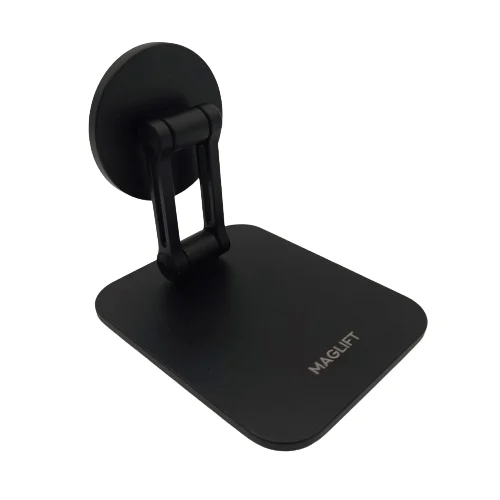
An ergonomic modification of the keyboard that allows the sides to be raised. Provides greater comfort while typing.

No TentingThe keyboard case lies flat on the desk surfaceMagLiftMagLiftAdjustable MagSafe tenting stand for split keyboards designed by Keebart+ €39.90

The switches are inserted into the switch plate. This is also available in different colors.

Black (FR4)High-quality 1.2mm FR4 switch plate
White
Gray
+ €4.90

An additional cable for connecting the keyboard to your computer via USB-C.

No extra cableUSB-C → USB-A (black)USB-C → USB-A (black)Durable braided 1.5 m cable in black+ €8.90USB-C → USB-C (black)USB-C → USB-C (black)Durable braided 1.5 m cable in black+ €8.90USB-C → USB-A (white)USB-C → USB-A (white)Durable braided 1.5 m cable in white+ €8.90USB-C → USB-C (white)USB-C → USB-C (white)Durable braided 1.5 m cable in white+ €8.90

A tool for easy removal of keycaps and switches.

No keycap pullerKeycap puller+ €4.99

Total: €149.90

Incl. 19% VAT.

Product Information

More Information

More Information

Compatible

Compatible

Compatible Switches
SwitchesCompatible
Choc v1 Switches
Sunset Switches
Ambient Silent Switches
Choc v2 Switches
Deep Sea Silent Switches
Choc v2 POM Switches
Four Seasons Switches
Saker Switches
Purple Swallowtail Switches
Ice Cream Switches
Compatible Keycaps
KeycapsCompatible
MBK Blank
MBK Legend‡ 40s
MBK Legend‡ 60s
MBK Dot Glow
MBK Legend‡ Glow R2
KLP Lamé
LPF Legend‡ Glow
LPF Dot Glow
THT Backlit Legend
THT Backlit Dot
THT Blank
DSA Way

Frequently Asked Questions

Frequently Asked Questions

Firmware

Firmware

Here you can download the firmware for your Keebart Piantor BT keyboard, which is pre-installed upon delivery.

Reset Firmware

Use this only if you encounter problems with your keyboard, for example when the halves fail to pair or other issues appear after flashing new firmware. Flash the reset firmware onto both halves, then re-flash the regular firmware.

More information on how compile and flash your own firmware can be found here.

Instructions and Practical Information

Instructions and Practical Information

Concise information on using the keyboard, understanding the controls, and updating the firmware.

Tutorial on Keebart Wireless Keyboards

Introduction for new users:

https://www.youtube.com/watch?v=EQCaQBlv1UM

Based on the Piantor Pro BT and fully applicable to all Keebart BT models.

GPSR

Safety Information

Manufacturer
Keebart GmbH
Homburger Str. 27A, 61352 Bad Homburg, Germany